Try Cosmos Reason 2
Inspect the same five proof points used in Broadcast View: tennis serve-read, cricket boundary context, pickleball kitchen pressure, badminton rally tracking, and table tennis spin cues.
1
Connect
Offline
Enter endpoint and test — or skip to use cached results
▶
Setup instructions
HuggingFace
vLLM
Edge 2B
GGUF
Gemma 4
# Download model (~16GB)
huggingface-cli download nvidia/Cosmos-Reason2-8B \
  --local-dir ./models/cosmos-reason2-8b

# Start the server
python cosmos_server.py --model-path ./models/cosmos-reason2-8b
# Serves at http://localhost:8000/v1pip install vllm
vllm serve nvidia/Cosmos-Reason2-8B \
--allowed-local-media-path "$(pwd)" \
--max-model-len 16384 \
--reasoning-parser qwen3 \
--port 8000# INT4 quantized 2B model — runs on 8GB VRAM
pip install vllm
vllm serve embedl/Cosmos-Reason2-2B-W4A16-Edge2 \
--allowed-local-media-path "$(pwd)" \
--max-model-len 8192 \
--gpu-memory-utilization 0.75 \
--port 8000brew install llama.cpp
huggingface-cli download prithivMLmods/Cosmos-Reason2-8B-GGUF \
Cosmos-Reason2-8B.Q8_0.gguf \
Cosmos-Reason2-8B.mmproj-q8_0.gguf \
--local-dir ./models
# Note: GGUF uses llama-mtmd-cli directly,
# not an OpenAI-compatible server.
# Use demo.py with --endpoint for server-based options.# Gemma 4 E4B via Ollama (easiest)
ollama pull gemma4:e4b
# Serves at http://localhost:11434/v1
# Or via vLLM
pip install vllm
vllm serve google/gemma-4-E4B \
--max-model-len 16384 \
--port 8000
# Gemma 4 supports vision (images + video),
# audio, and 128K context. Apache 2.0 license.
# Runs on Jetson AGX Orin, Mac, or any GPU.2
Pick a Frame
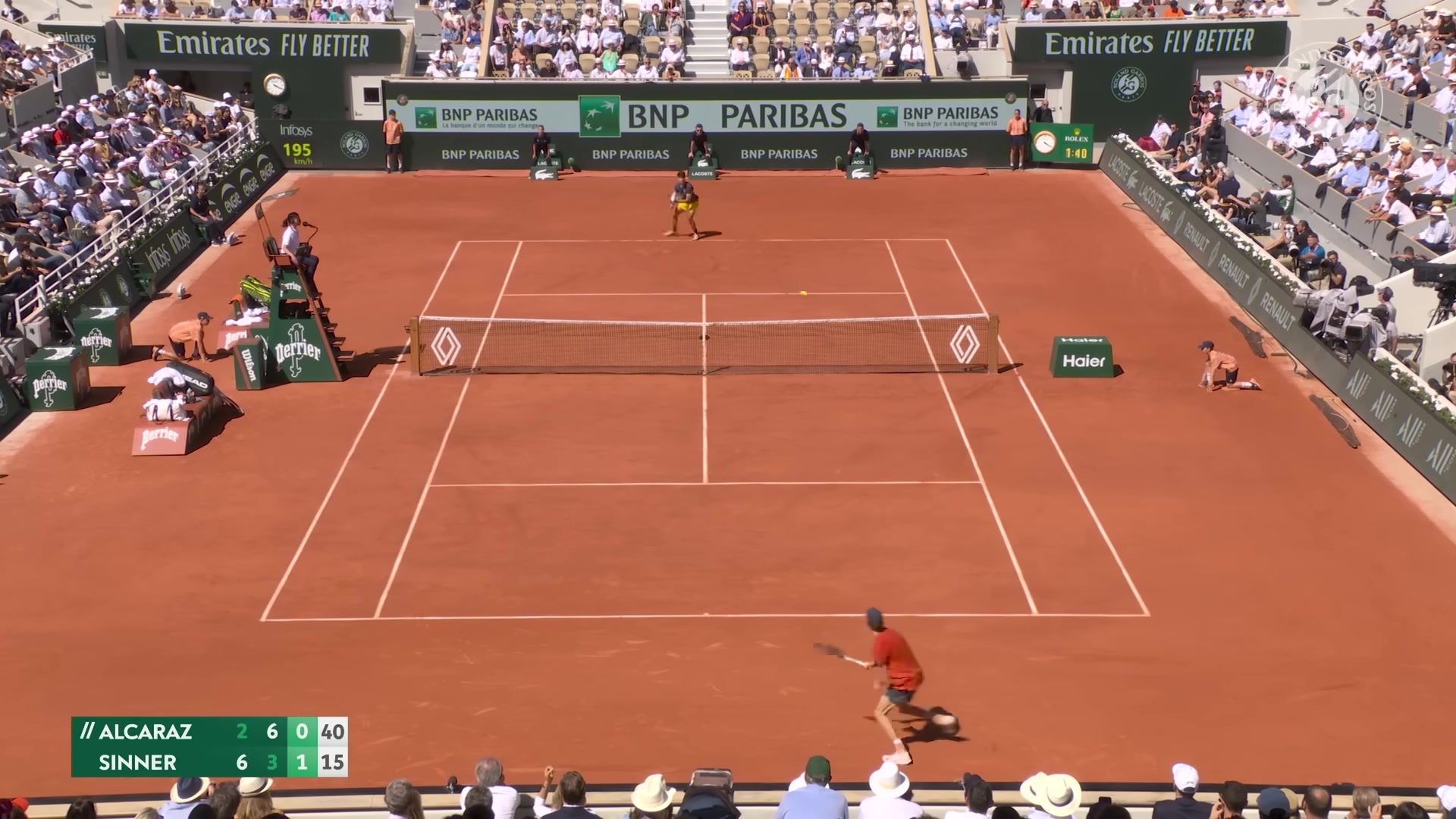
Tennis
Serve read
Serve read
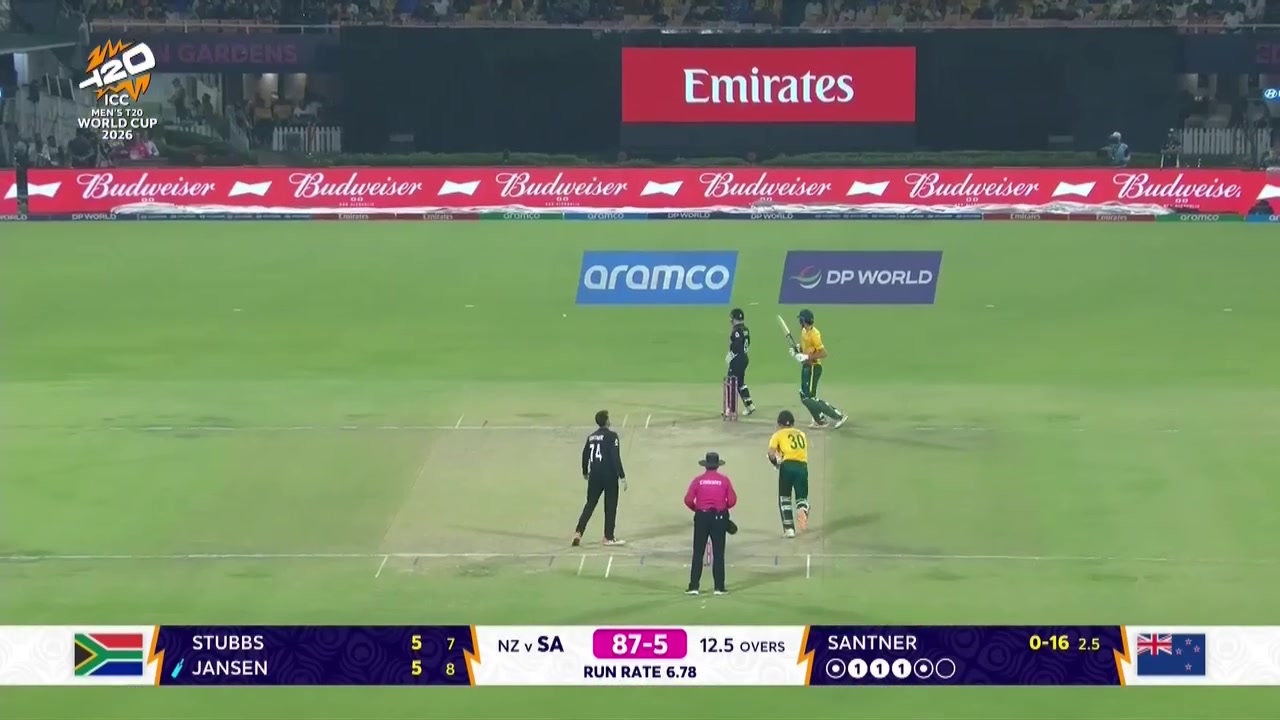
Cricket
Boundary context
Boundary context
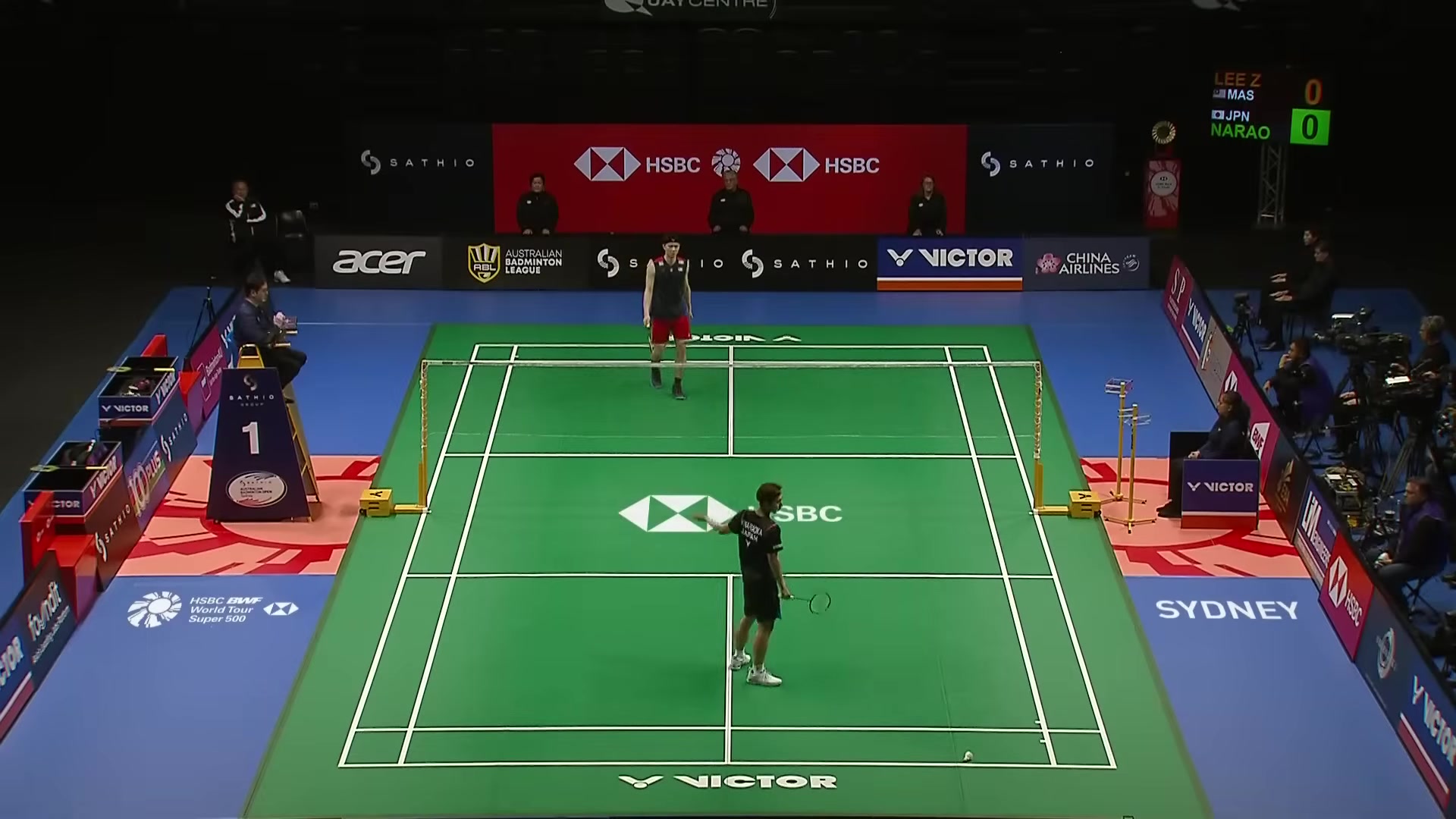
Badminton
Rally tracking
Rally tracking
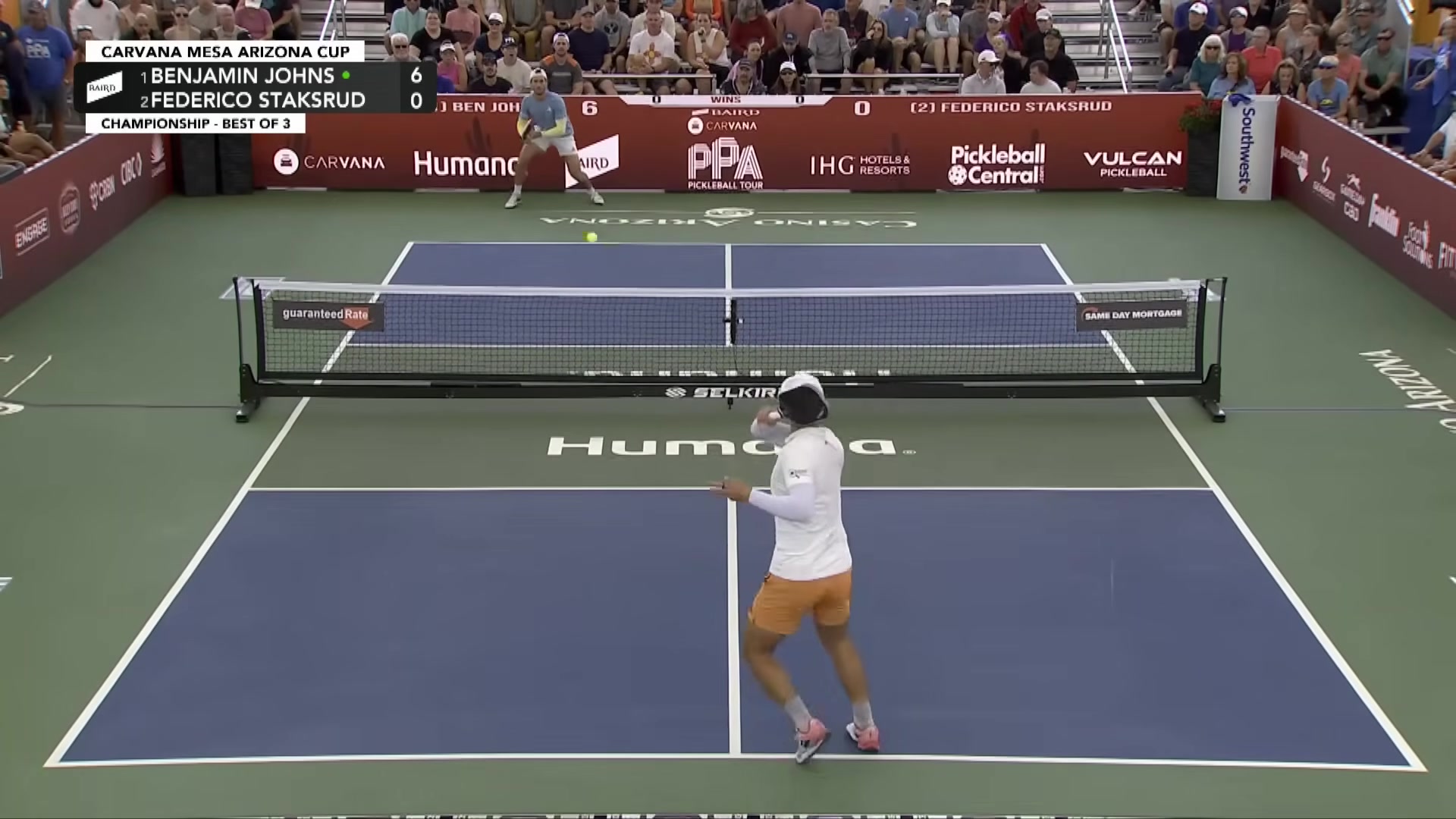
Pickleball
Kitchen pressure
Kitchen pressure
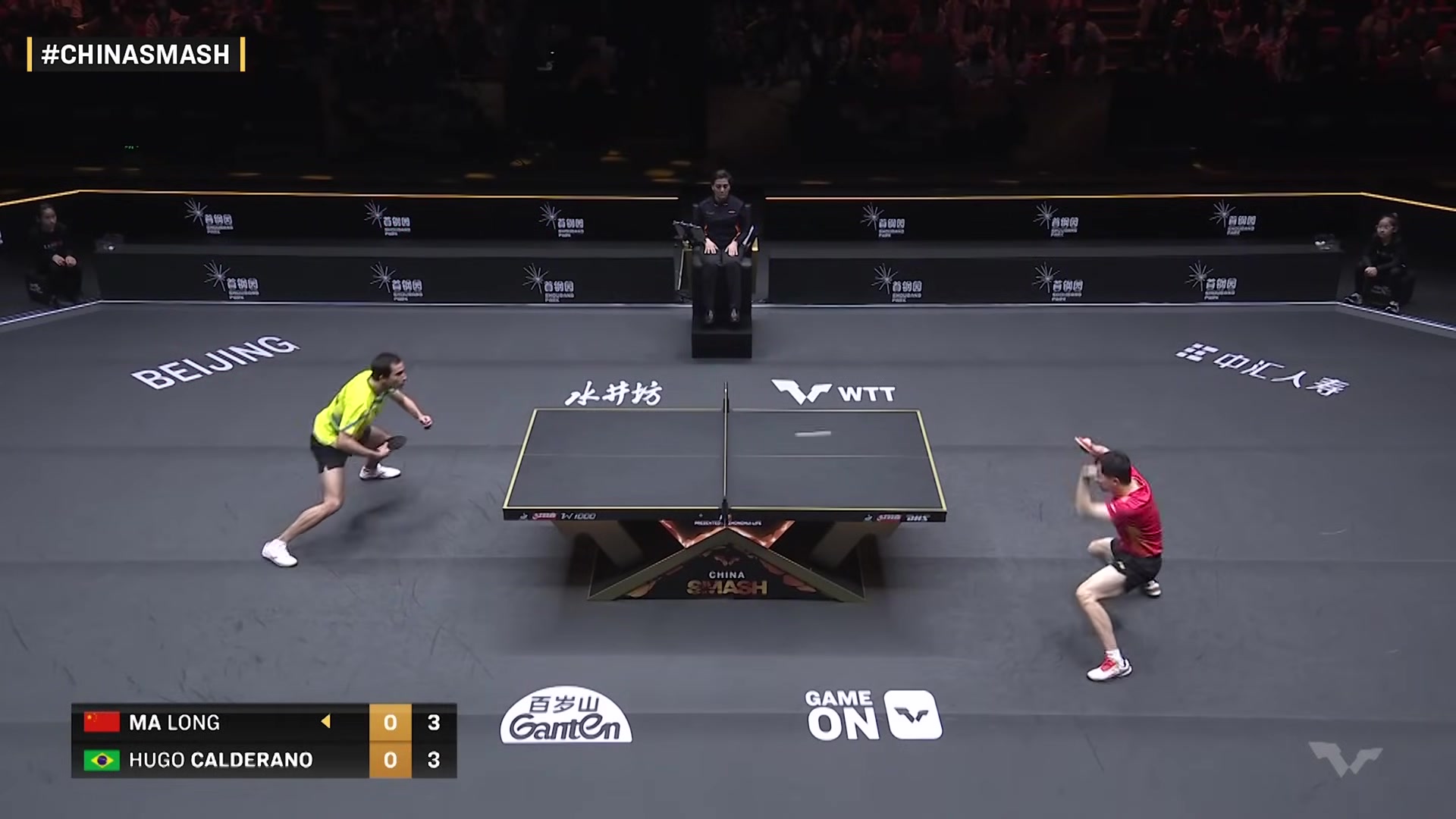
Table Tennis
Spin cues
Spin cues
Or drop your own image (JPG, PNG — max 5MB)
3
Results
Select a frame and click Analyze to see chain-of-thought results.